The prompter that reads with you.
Open the site and start typing — no signup, no install, no cloud transcription. Your script scrolls at your pace, waits when you breathe, and forgives the fifth take.
Three things, done kindly.
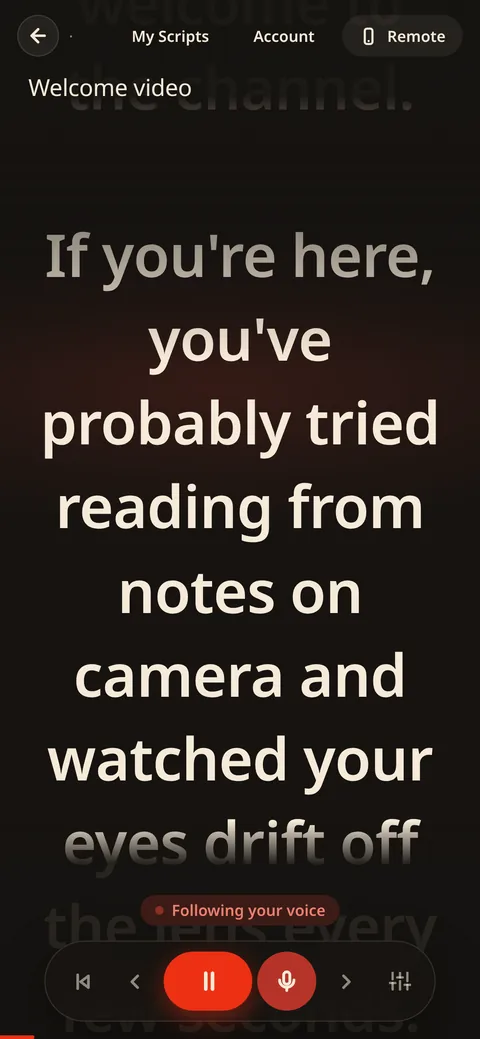
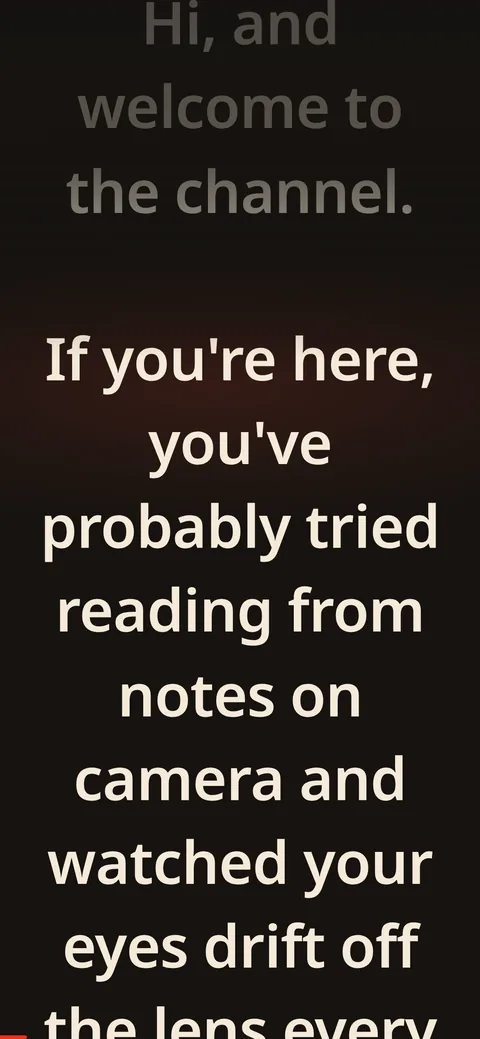
Your voice drives the scroll
Turn on the mic and read. The script follows your pace, waits when you pause, and glides — never jumps — back up to speed. Ad-lib freely; when unsure, it calmly holds position instead of guessing.
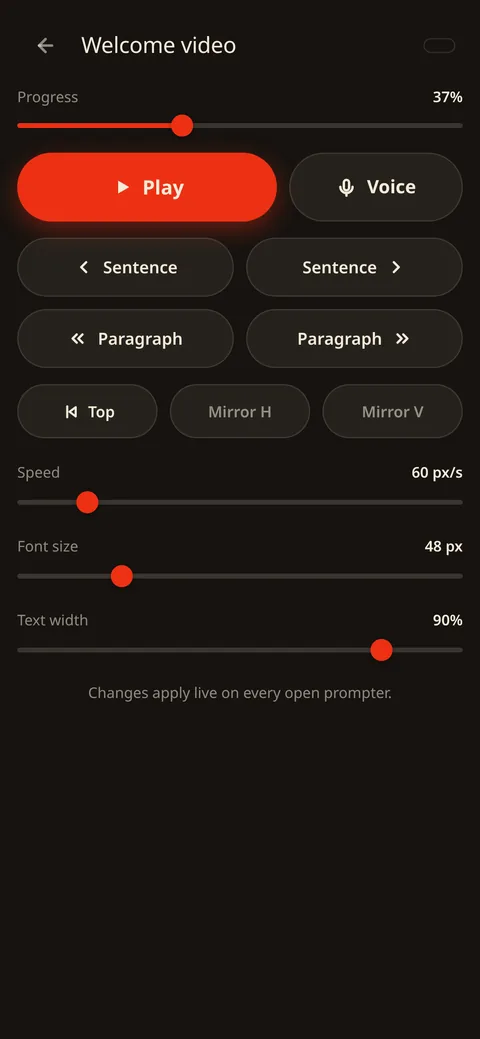
Your phone is the remote
Open the same link on your phone — no pairing, no app, just a quick free sign-in. Play, sentence jumps, speed, font size, and a live progress bar you can scrub. Changes land on every screen within a keystroke.
Your words never leave the room
Speech recognition runs 100% on-device — a ~28 MB model, cached after one download. Zero third-party requests, unguessable script URLs, and a Wi-Fi blip mid-take never stops the read.
Start in one keystroke.
Your script and its private link exist the moment you type. That’s the whole onboarding — the URL itself is the key, with ~83 bits of randomness standing guard.
Share it and anyone can edit or drive the prompter — collaborators, camera ops, a second screen. No accounts needed to write or prompt; only the phone remote asks for a free sign-in.
Sign up when you want a script list with previews and word counts — it also unlocks everything, unlimited, for 30 days. A script written anonymously is claimed with one click.
Edits persist automatically and sync to every open device within a keystroke. Pause mid-take, fix a line, keep rolling.
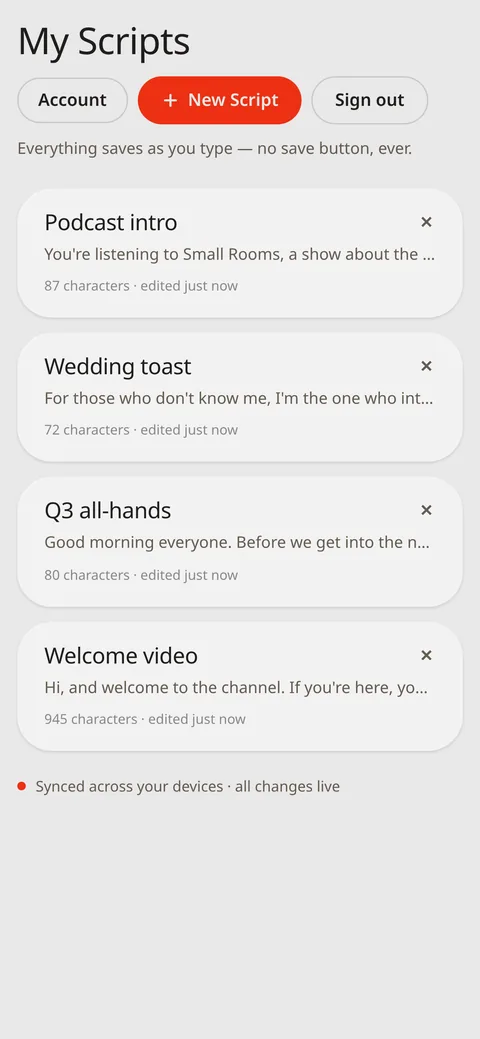
Live WebSockets keep text, play state, position and settings in lockstep — with automatic reconnection if the network blips.
Built for take five.
One tap jumps to the start of the sentence you flubbed, parked right at the reading line and ready to re-read. Press back again for the previous one — track-skip, but for talking.
Every sentence is its own stop, even three-to-a-line. And a standard slide clicker works out of the box: PageUp / PageDown are wired as your retake remote.
Free to try for real. One price to go long.
- The whole studio — voice follow, phone remote, live sync, retakes, mirror, print
- No signup: scripts up to about two paragraphs — a real one-minute take
- Free account: everything unlimited for 30 days — no card, no strings
- After the free month nothing breaks: every script keeps playing, and only growing past the free length asks for Pro
- No watermarks, ever — and your scripts are never held hostage
Finish a real project before a card ever comes out.
or $19.99/year — five months free
- Unlimited script length — the only limit, removed
- Everything in Free, on every script
- Keeps an independent, no-ads, no-tracking app alive
Cancel anytime. Your scripts stay yours either way.